


01
Marketers
Use an Instagram summarizer to break down a competitor's Reel into the script underneath it, then line up ten of them to compare hooks and offers.
Reels, transcribed and summarised, without installing anything.
This is what came back for “THE AGITATION FROM ERRORS THAT ACCOMPANIES YOUR GENUINE ATTEMPTS TO DO SOMETHING NEW ARE WHAT TRIGGER NEUROPLASTICITY & LEARNING •”, taken straight from its result page. Nothing here was written for this page.

THE AGITATION FROM ERRORS THAT ACCOMPANIES YOUR GENUINE ATTEMPTS TO DO SOMETHING NEW ARE WHAT TRIGGER NEUROPLASTICITY & LEARNING •
hubermanlab
Skill acquisition and neuroplasticity require focused effort that embraces friction and difficulty. When a person makes genuine errors while attempting a challenging task, the resulting frustration and agitation release neuromodulators that chemically tag relevant neurons. These tagged neural circuits are subsequently rewired during sleep, allowing for progressive learning and improvement over time.
An Instagram video summarizer turns the speech in a Reel into a transcript and a short summary, so you can read what was said, quote it or save it without rewatching. It is how creators, marketers and researchers get through Reels at the speed of reading.
Instagram does not publish transcripts or caption files, so the audio goes through speech-to-text, with a timestamp on every line. The caption the poster typed comes through separately, as the title — on a Reel the two usually say different things.
Tap Share, then Copy link, or copy the URL from your browser. Public Reels and public video posts both work.
The Instagram video summarizer runs the audio through speech-to-text on every account, at 1 credit per minute, rounded up to the minute — a 30-second Reel is 1 credit.
Read along with the video, click any line to hear it, then copy the text, export SRT or VTT, or keep the summary.
The Instagram video summarizer transcribes every Reel from its audio, so it works whether or not the poster added a single word of text.
Each line carries the second it was said. On a fast recipe or workout clip, that is the difference between following and pausing.
Three depths of summary from one pass. Gist tells you in a sentence whether the Reel you saved was worth saving.
TXT with timestamps, plain text, Markdown, SRT or VTT — real timings from the audio, ready for a doc or an editor.
The most-liked comments, read and summed up: the questions, the pushback, the requests. Exportable as CSV.
A Portuguese or Spanish Reel can come back as an English summary, with the transcript left in the original.
Turn a tutorial Reel into flashcards with the moment each answer came from, exportable for Anki or Quizlet.
Every Reel you process is kept, and search runs over what was said in it — not just the caption.
No captions needed
01 / 08The Instagram video summarizer transcribes every Reel from its audio, so it works whether or not the poster added a single word of text.
Each line carries the second it was said. On a fast recipe or workout clip, that is the difference between following and pausing.
Three depths of summary from one pass. Gist tells you in a sentence whether the Reel you saved was worth saving.
TXT with timestamps, plain text, Markdown, SRT or VTT — real timings from the audio, ready for a doc or an editor.
The most-liked comments, read and summed up: the questions, the pushback, the requests. Exportable as CSV.
A Portuguese or Spanish Reel can come back as an English summary, with the transcript left in the original.
Turn a tutorial Reel into flashcards with the moment each answer came from, exportable for Anki or Quizlet.
Every Reel you process is kept, and search runs over what was said in it — not just the caption.
Use an Instagram summarizer to break down a competitor's Reel into the script underneath it, then line up ten of them to compare hooks and offers.
Recover the words from a Reel you posted and never wrote down, and turn them into a caption, a post or an email.
Recipes, workouts, software tips: read the steps at your pace and keep them as notes instead of a saved folder.
Read in twenty seconds what someone wanted you to watch for two minutes, and keep the two lines that mattered.
Instagram publishes the caption the poster typed and nothing of what was said out loud. The two are rarely the same: the caption sells the video, the audio holds the method, the numbers and the caveats. Fetching the caption is not transcribing the Reel.
So the Instagram video summarizer transcribes every Reel from its audio, on every account, at 1 credit per minute, rounded up to the minute — a 30-second Reel is 1 credit, a 90-second one is 2 credits. Free accounts take videos up to ten minutes. What comes back is the spoken content, line by line, each with its timestamp.
People save Reels the way they used to bookmark articles, then never open them again. Run through an Instagram video summarizer, a Reel stops being a video you mean to rewatch: the summary gives you its point, and the transcript gives you the exact wording to quote.
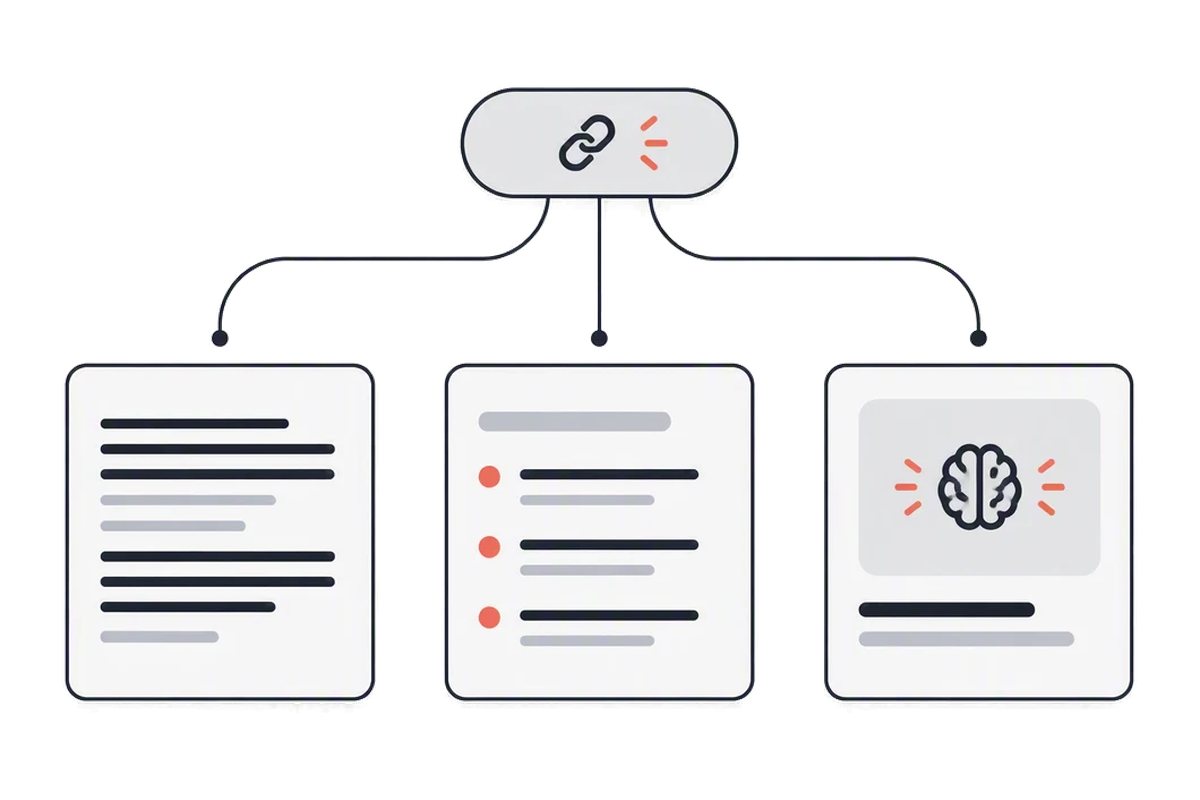
The same transcript can become the outline of a blog post, a caption for your own version, a mind map of a long explainer, or a deck of flashcards. Everything is made from that one transcript, so the Reel is processed once and the outputs never disagree with each other.
Three ways to keep what a Reel says. Only an Instagram video summarizer leaves you with words you can find again.
| Rewatching it | Saving it to a folder | summarizer.video | |
|---|---|---|---|
| Time to get the point | The whole Reel, again | Later, if ever | A few seconds |
| The spoken words as text | |||
| Find a line again later | Scrub the video | Scroll the folder | Search what was said |
| A timestamp on every line | |||
| Summary in another language | |||
| SRT or VTT subtitles |
Yes. Instagram publishes no caption files, so every Reel goes through speech-to-text, and whatever the poster added makes no difference. It works on every account and is billed at 1 credit per minute of audio.
The typed caption comes through as the title, and the transcript is what was said out loud. They are kept separate, because on a Reel they are usually saying different things.
Tap Share on the Reel, copy the link and paste it into the box above. The transcript and the summary come back together, with a timestamp on every line.
Public Reels and public video posts both work — paste the post link the same way. Stories are not supported: they disappear after a day and cannot be opened from a link afterwards.
Every Reel already on the site opens free, with no account. Processing a new one needs an account; new accounts start with ten credits, and a short Reel uses about two — one for the transcript, one for the summary.
The spoken language is detected automatically and the transcript stays in it. The summary can be produced in any of eight languages, including English, Chinese, Spanish and Portuguese.
Yes — plain text, TXT with timestamps, Markdown, SRT or VTT, all with real timings taken from the audio.
Yes. Download it as subtitles for your own edit, or copy the text; the summary works as a ready outline for a post.
Ten credits when you sign up. Paste the link from Share, then Copy link — public posts only.
Paste an Instagram link