


01
Creators and content teams
Run a published video through the YouTube transcript generator, then turn the text into a blog post, a newsletter section and a set of social captions.
The full text of any YouTube video, with or without timestamps, ready to copy or download.
This is what came back for “How to Speak”, taken straight from its result page. Nothing here was written for this page.
A YouTube transcript generator turns a video into its full text. Paste the link and you get every spoken line with the second it starts at, ready to copy, search, or download as plain text, Markdown, SRT or VTT.
Most YouTube videos already carry captions, written by the creator or generated by YouTube, and those are read directly — which is why the text comes back in seconds on every account. When a video has none, its audio goes through speech-to-text instead, on a Pro plan or above, so you still get a transcript rather than an error.
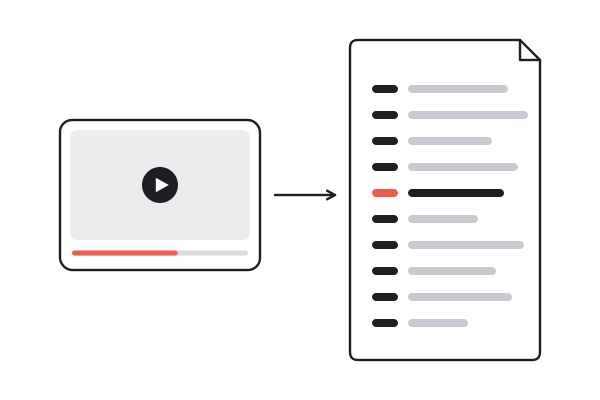
Full links, youtu.be short links, Shorts, finished live streams and embed links all work, including links with a timestamp attached.
The YouTube transcript generator reads a captioned video in seconds, for one credit whatever its length. Without captions, speech-to-text takes over on a Pro plan or above.
Copy all with one click, or download text with or without timestamps, Markdown, SRT or VTT.
Where the video has captions, the YouTube transcript generator builds the text from them, and automatic captions are labelled as such so you know what you are reading.
The same transcript, two downloads: one with a time on every line for citing, one as running text for a document or a prompt.
Plain text for a doc, Markdown for notes, SRT and VTT with real timecodes that video editors and players read as subtitles.
Speech-to-text transcribes the audio itself, with a timing on every line. For YouTube it comes with a Pro plan or above, at 1 credit per minute.
The transcript is kept in the language of the video. A summary of it can be written in any of eight languages on the same page.
Two hours of transcript is a lot to read. The same page can turn it into a Gist, a Brief or Full notes without fetching anything again.
Each video you process is kept in your workspace, and search runs over the full text of every transcript you have generated.
Built from the real captions
01 / 07Where the video has captions, the YouTube transcript generator builds the text from them, and automatic captions are labelled as such so you know what you are reading.
The same transcript, two downloads: one with a time on every line for citing, one as running text for a document or a prompt.
Plain text for a doc, Markdown for notes, SRT and VTT with real timecodes that video editors and players read as subtitles.
Speech-to-text transcribes the audio itself, with a timing on every line. For YouTube it comes with a Pro plan or above, at 1 credit per minute.
The transcript is kept in the language of the video. A summary of it can be written in any of eight languages on the same page.
Two hours of transcript is a lot to read. The same page can turn it into a Gist, a Brief or Full notes without fetching anything again.
Each video you process is kept in your workspace, and search runs over the full text of every transcript you have generated.
Run a published video through the YouTube transcript generator, then turn the text into a blog post, a newsletter section and a set of social captions.
Collect interviews and talks as text with timecodes, so every quote in your notes points back to the second it was said.
Hand students the text of a lecture video as a reading, or download SRT to put proper subtitles on your own course clips.
Download the text without timestamps and paste clean prose into a prompt or a draft, instead of caption fragments full of line breaks.
A transcript with a time on every line is for finding things again: citing a moment in a paper, sending a colleague to minute 34, checking how a sentence was phrased. A transcript without them is for using the words: pasting into a document, a prompt or a translation tool, where timecodes are clutter.
You do not have to decide before you generate. The YouTube transcript generator makes the transcript once, and the download menu offers text with timestamps and text without them side by side. Copy all always copies the bare lines, ready to paste.
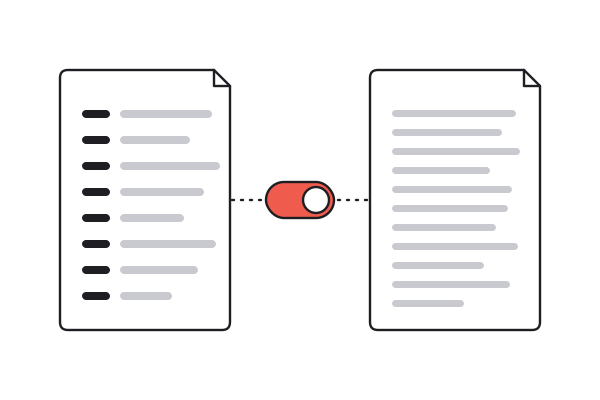
Plain text goes into a document or a prompt. Markdown keeps the structure when you file it in a notes app. SRT and VTT carry real start and end times for every line, so a video editor or a web player reads them as a subtitle track without any reformatting.
Every download is free once the transcript exists, and so is downloading it again next month. A video someone else has already put through the YouTube transcript generator opens instantly and costs nothing to read; a new captioned video is one credit; one without captions is priced per minute of audio.
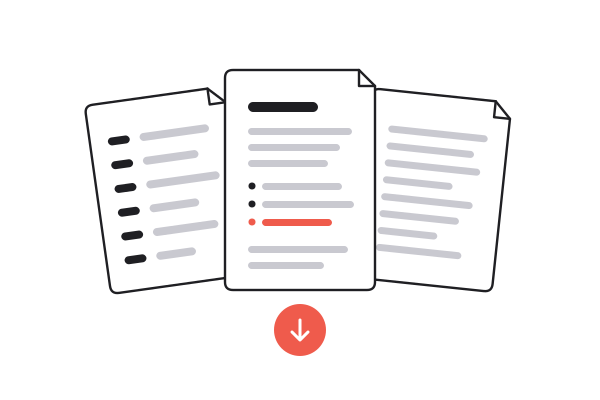
YouTube shows a transcript in a side panel, one fragment at a time. Getting the text out is where the time goes, and it is the step a YouTube transcript generator does for you.
| Copying from YouTube | Typing it up yourself | summarizer.video | |
|---|---|---|---|
| Time for a 30-minute video | 10 minutes of cleanup | Hours | Seconds |
| Timestamps kept or dropped | Mixed into the text | Only if you add them | Your choice per download |
| SRT and VTT subtitle files | |||
| Videos without captions | Speech-to-text, Pro or above | ||
| Click a line to hear it | |||
| Search across all your transcripts |
Transcripts already on the site are free to read, with no account and no watermark. Generating a new one spends credits: a new account starts with ten, and a captioned video costs one credit whatever its length.
Yes. Download text with timestamps to keep a time on every line, or text without them for clean prose. SRT and VTT always carry full start and end times.
Five: text with timestamps, text without timestamps, Markdown, SRT and VTT. Downloading is free once the transcript exists, as many times as you like.
Most YouTube videos have captions, uploaded or automatic, and those come back in seconds on every account. A video with none goes through speech-to-text, which for YouTube needs a Pro plan or above and costs 1 credit per minute of audio.
When the video has captions, yes: the transcript is built from them, and automatic captions are marked as auto-captions on the page. Without captions, the text comes from speech-to-text on the audio instead.
Yes. The transcript stays in the language the video is spoken in. If you need it in another language, the summary on the same page can be written in any of eight languages.
Free accounts can transcribe videos up to ten minutes long; paid plans have no limit. A captioned video costs the same one credit at any length, so length only changes the price when speech-to-text is needed.
Yes. Every line keeps its real start and end time, so video editors and players load the SRT or VTT file as a subtitle track without any changes.
Ten credits when you sign up. A captioned video is one of them, whatever its length.
Generate a transcript