


01
Creators
Study what a viral video actually says, line by line, instead of guessing the formula from the edit. Or pull the script back out of your own post.
Paste a TikTok link to get the spoken words as text and a quick summary — even when the video has no captions.
This is what came back for “We’re going back to the Moon. This time, to stay. 🌙 Since announcing plans for a Moon Base in March, NASA has been moving quickly to turn that vision into reality. No aim too high. No journey too far.”, taken straight from its result page. Nothing here was written for this page.

We’re going back to the Moon. This time, to stay. 🌙 Since announcing plans for a Moon Base in March, NASA has been moving quickly to turn that vision into reality. No aim too high. No journey too far.
nasa
The United States is advancing its plans to return to the moon and construct a permanent lunar base. Working with commercial aerospace partners, NASA is executing an initial phase through 2028 focused on establishing reliable lunar transportation, testing novel technologies, and initiating surface infrastructure to secure a lasting American presence.
A TikTok summarizer turns what is said in a TikTok into text and a short summary: the spoken words with a timestamp on each line, the main points, and chapters when the video is long enough to need them. It is for getting what a video says without replaying it, or for working through a stack of videos at reading speed.
It reads what was spoken, not the post description or the text stickers on screen. Most spoken TikToks carry a caption file and we read it directly; for the ones that do not, the audio goes through speech-to-text, so a clip with no captions and no on-screen text still comes back as a script.
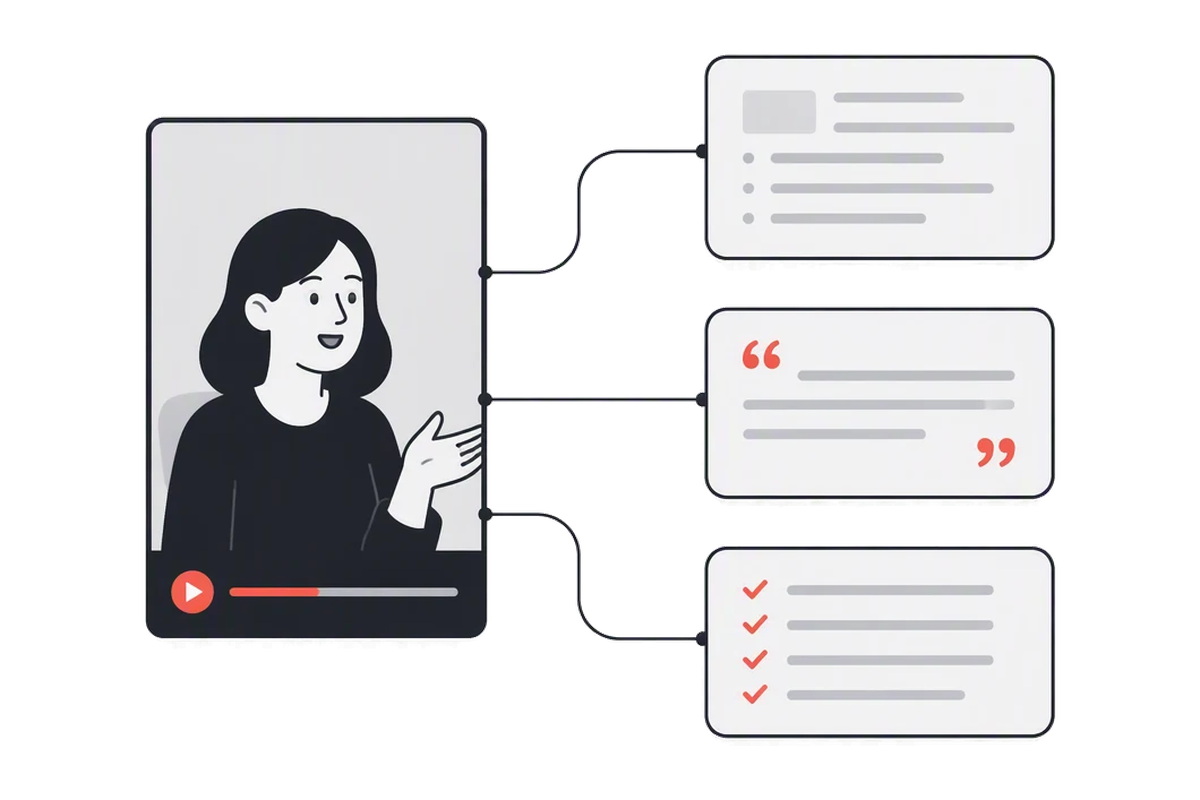
Open the video in a browser and copy the full link from the address bar — the one shaped like tiktok.com/@user/video/ followed by a long number.
A clip with captions is read straight away. One without goes through speech-to-text, on every account, at 1 credit per minute of audio.
Read the script beside the clip, click any line to hear it, then copy the summary or export the subtitles.
Most spoken TikToks have a caption file, written by the creator or generated by TikTok. Reading it costs one credit, whatever the length.
When a clip has no captions, the TikTok summarizer transcribes its audio instead — on every account, at 1 credit per minute, rounded up to the minute.
Every line carries the second it was said, so the one phrase that flew past is a click away, not a rewatch.
TXT with timestamps, plain text, Markdown, SRT or VTT — ready for a doc, a caption track or an editor.
The most-liked comments, read and summed up: what viewers asked for, argued about and corrected. Exportable as CSV.
A Spanish or Korean TikTok can come back as an English summary, while the script stays in the language spoken.
What product was that, what was step three — answered from the transcript, with the timestamp it came from.
Each clip you process is kept, and search runs over everything that was said in them, not just the captions people typed.
TikTok's own captions, read first
01 / 08Most spoken TikToks have a caption file, written by the creator or generated by TikTok. Reading it costs one credit, whatever the length.
When a clip has no captions, the TikTok summarizer transcribes its audio instead — on every account, at 1 credit per minute, rounded up to the minute.
Every line carries the second it was said, so the one phrase that flew past is a click away, not a rewatch.
TXT with timestamps, plain text, Markdown, SRT or VTT — ready for a doc, a caption track or an editor.
The most-liked comments, read and summed up: what viewers asked for, argued about and corrected. Exportable as CSV.
A Spanish or Korean TikTok can come back as an English summary, while the script stays in the language spoken.
What product was that, what was step three — answered from the transcript, with the timestamp it came from.
Each clip you process is kept, and search runs over everything that was said in them, not just the captions people typed.
Study what a viral video actually says, line by line, instead of guessing the formula from the edit. Or pull the script back out of your own post.
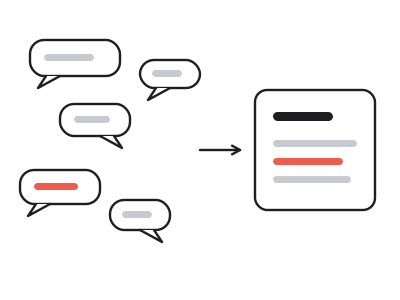
With a TikTok summarizer, a trend you could never watch fifty of becomes fifty scripts you can read side by side — hooks, claims and calls to action included.
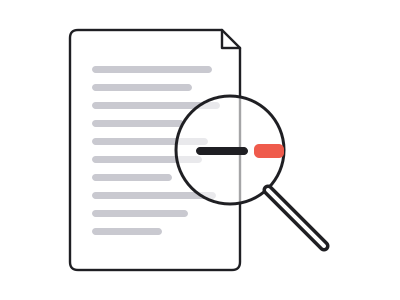
Keep a timestamped text record of what was claimed, and quote it exactly instead of from memory.
Read a fast-talking clip in its own language, then get the summary in yours. Click any line to hear it again.
Most spoken TikToks come with a caption file, written by the creator or generated by TikTok. When one exists, the TikTok summarizer reads it directly: it is fast, and it costs one credit however long the video runs. The words you get are what was said, never the post description.
When a clip has no captions — a fresh upload, a voice over music — the audio goes through speech-to-text instead. That works on every account and is billed at 1 credit per minute, rounded up to the minute, so a 40-second clip is 1 credit. Either way, every line comes back with its own timestamp.
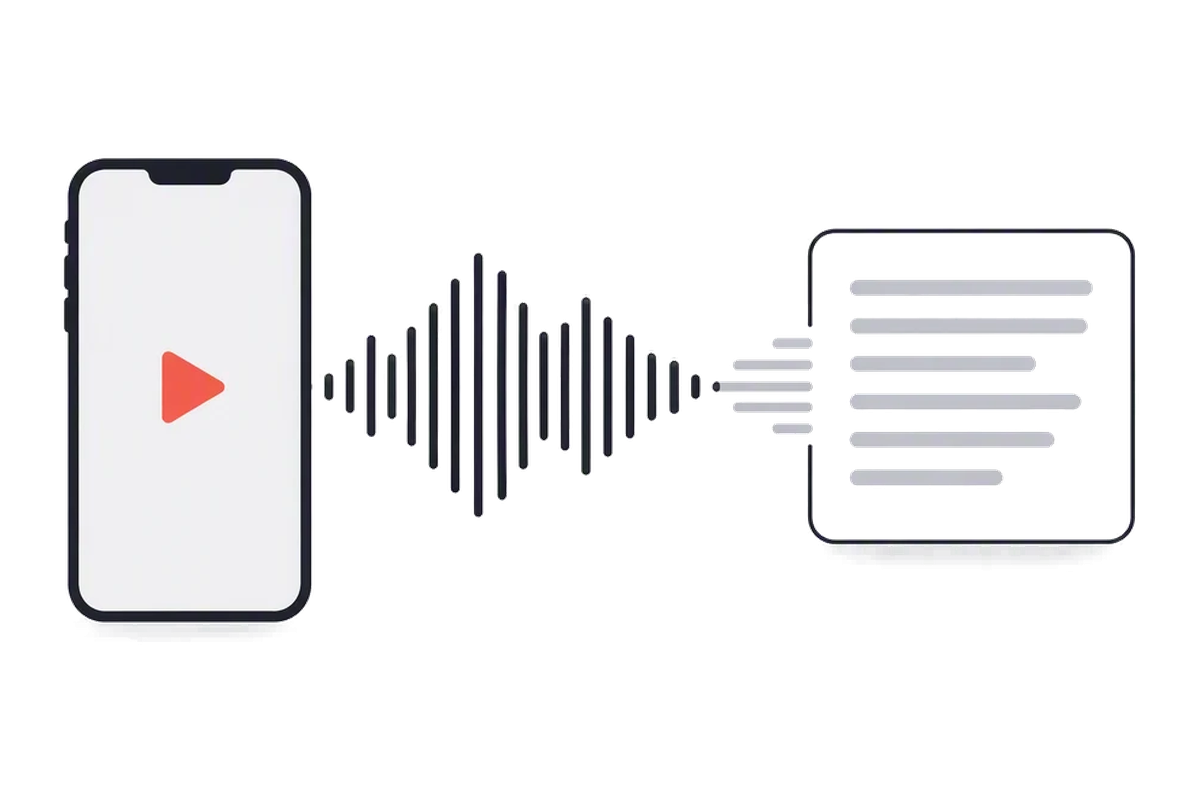
Trend research and competitor research both mean getting through a lot of short videos. Watching them is slow and leaves you with impressions; reading them leaves you with scripts you can line up, compare and quote. Paste one link at a time into the TikTok summarizer, and each clip lands in your workspace.
Because the workspace searches what was said, not just titles, you can later find every clip that mentioned a product, a price or a phrase. The summary gives you the point of each video in a few lines, and the timestamps take you to the exact second when you need to check the delivery.
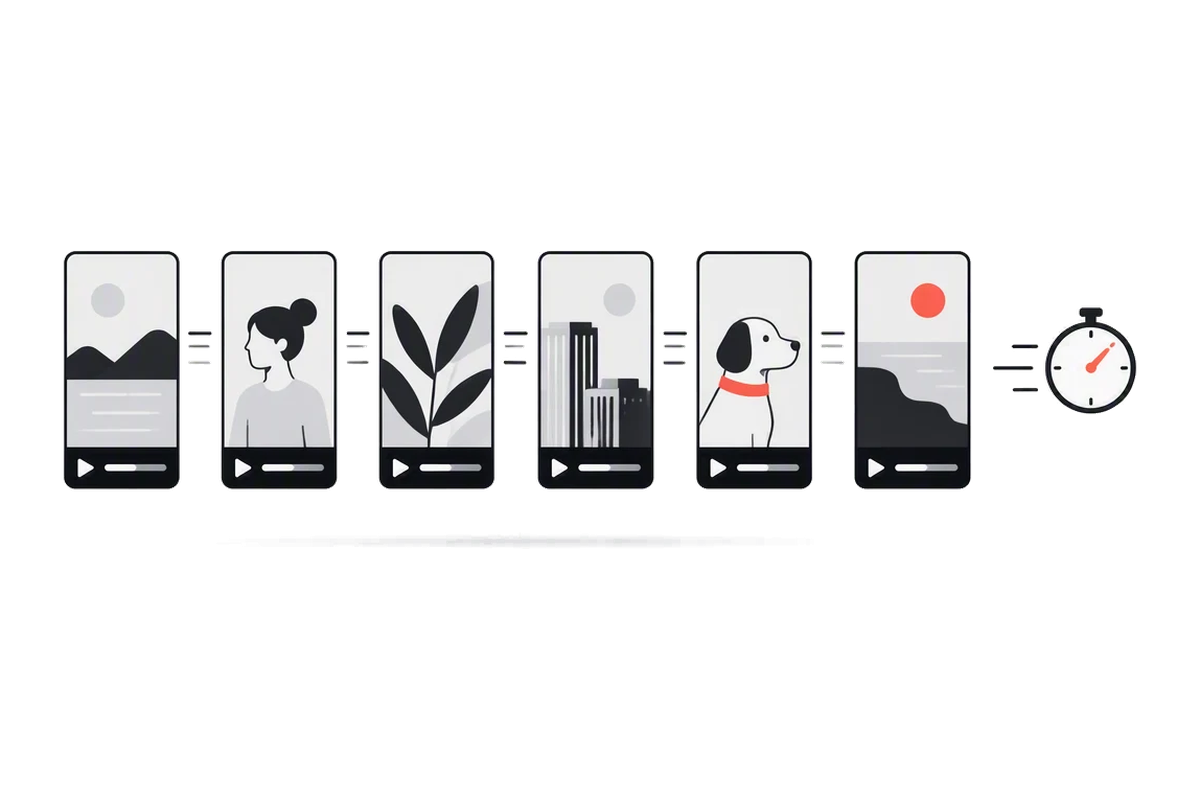
Three ways to get what a TikTok says. Only a TikTok summarizer leaves you with text you can search, quote and export.
| Rewatching it | Typing it out | summarizer.video | |
|---|---|---|---|
| Time for one 60-second clip | A minute, several times | 5–10 minutes | Seconds |
| Leaves you with text to quote | |||
| A timestamp on every line | |||
| Search across many clips | Only what you typed | ||
| Summary in another language | |||
| SRT or VTT subtitles |
Yes, on every account. Most spoken TikToks have a caption file, from the creator or TikTok, and we read it directly. When a clip has none, the audio goes through speech-to-text, with a timestamp on every line, at 1 credit per minute of audio.
Opening anything already on the site is free, with no account. A new TikTok needs an account, and new accounts start with ten credits. A clip with captions is one credit to read and one for the summary; one without captions adds speech-to-text at 1 credit per minute.
Copy the full video link — tiktok.com/@user/video/ and a long number — and paste it into the box above. The transcript comes back with a timestamp on every line, next to the summary.
No — it transcribes what is spoken. Text stickers and overlays that are never said aloud are not included, and neither is the post description.
Captioned clips match the captions TikTok itself shows. Speech-to-text is good on clear speech and weaker under loud music, overlapping voices or heavy slang. Every line stays clickable, so anything that looks wrong takes one click to hear.
Yes — download SRT or VTT with real timecodes and load them into an editor, or upload them alongside a re-cut of the clip.
Yes. The transcript stays in the language spoken, and the summary can be written in any of eight languages, including English, Chinese, Spanish and Japanese.
Free accounts take videos up to ten minutes, which covers almost every TikTok. Paid plans have no length limit, and the cost of speech-to-text simply follows the minutes of audio.
Ten credits when you sign up — enough for a run of short clips. Paste the full video link from your browser.
Paste a TikTok link