


01
Students
Turn a recorded lecture into revision notes, with the exact minute behind every line for when the slide made no sense.
Paste a link. Get the argument, the chapters and the full transcript before the video finishes loading.
This is what came back for “How to Speak”, taken straight from its result page. Nothing here was written for this page.

How to Speak
MIT OpenCourseWare
Patrick Winston outlines the foundational principles of effective public speaking, asserting that professional success is determined primarily by communication ability and that presentation skills can be systematically mastered through knowledge and practice rather than innate talent. Through practical heuristics—such as beginning with an empowerment promise, cycling key concepts, selecting well-lit venues, and favoring blackboards and physical props over text-heavy slides—speakers can significantly improve audience retention. Furthermore, Winston explains how to navigate high-stakes academic and technical presentations by establishing vision early, packaging ideas memorably, and closing with clear contributions rather than polite platitudes.
A YouTube summarizer reads a video for you and hands back what it says: the main argument, the points that support it and the chapters it moves through. It works from the transcript — the captions YouTube already holds, or speech-to-text when there are none — so the summary is built from what was actually said, not from the title and the description.
What separates one YouTube summarizer from another is what you can do with the result. Here every point carries the timestamp it came from and the full transcript sits beside it, so the summary is a map of the video rather than a replacement for it: skim the points, then jump straight to the one moment worth watching.
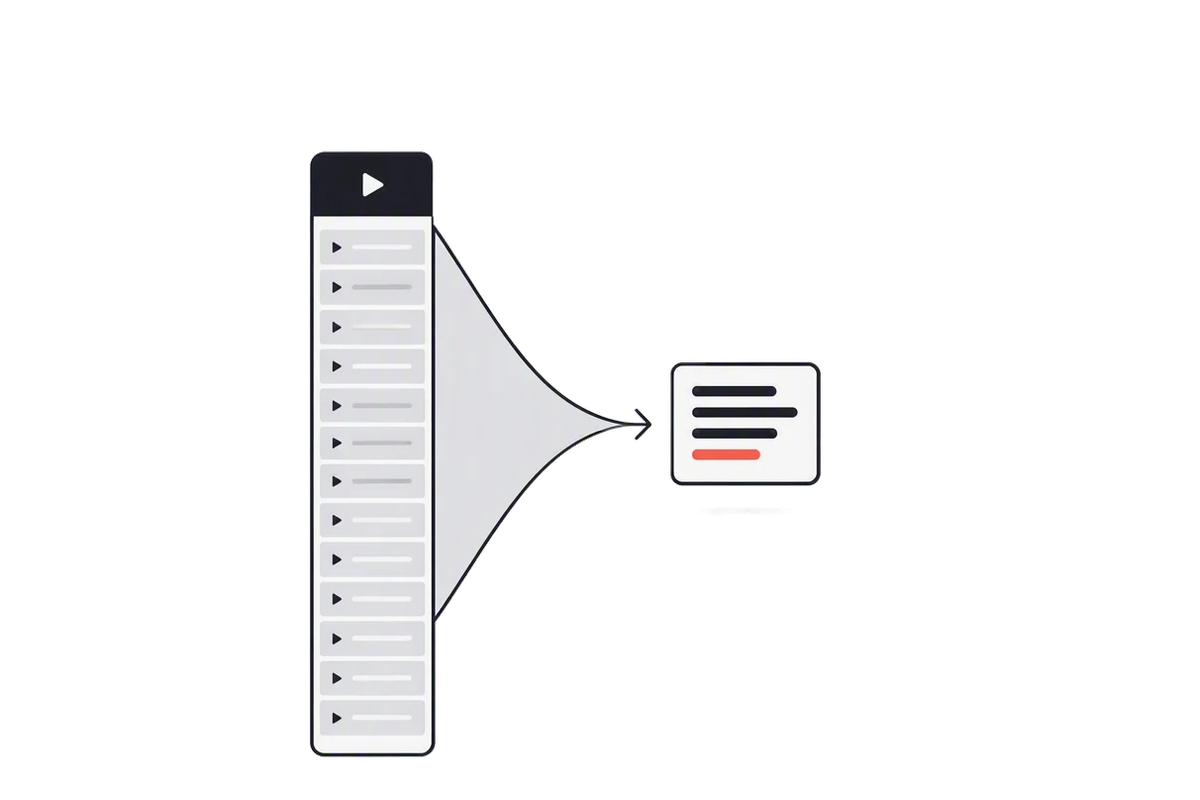
From the address bar or the Share button. Full links, youtu.be short links, Shorts and finished live streams all work.
A video with captions is read in seconds. One without captions goes through speech-to-text, which for YouTube needs a Pro plan or above.
Pick a depth, click any timestamp to hear the original, then copy the summary or download the transcript. Everything you put through the YouTube summarizer stays in your workspace.
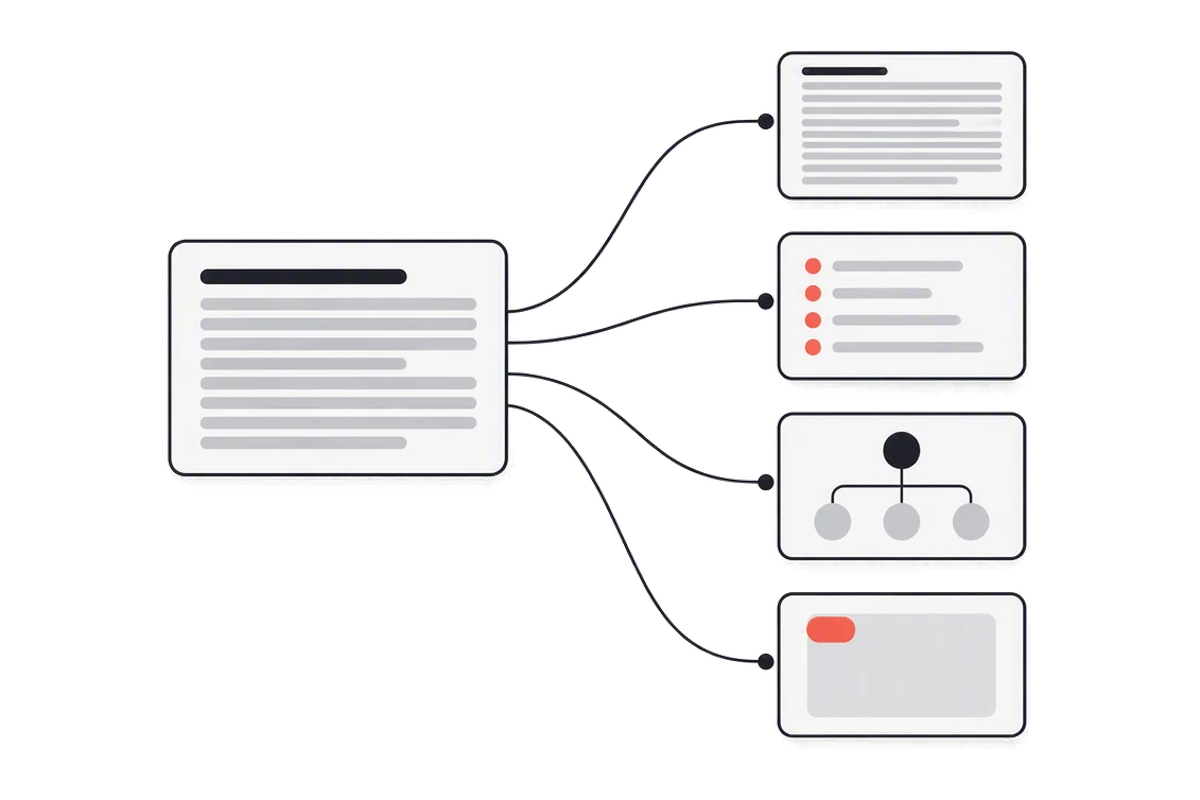
Three depths of the same summary, made together. Gist is a few sentences; Full notes reads like a careful note-taker's page.
A YouTube summarizer you can check. Click a point and the video plays from the moment it was said.
A long video split into named sections with start times, so a two-hour podcast reads like a table of contents.
The same content laid out as topics and sub-points, each linked to its timestamp, and downloadable as a PNG.
Answers come from the transcript only, with the timestamps they rest on — and a plain no when the video never covers it.
The most-liked comments, read and summed up: recurring themes, corrections to the video, questions nobody answered.
The YouTube summarizer writes in English, 中文, Español, 日本語 and four more, while the transcript stays in the language that was spoken.
Every video you summarize is kept, and search runs over the full text of every transcript, not just the titles.
Gist, Brief or Full notes
01 / 08Three depths of the same summary, made together. Gist is a few sentences; Full notes reads like a careful note-taker's page.
A YouTube summarizer you can check. Click a point and the video plays from the moment it was said.
A long video split into named sections with start times, so a two-hour podcast reads like a table of contents.
The same content laid out as topics and sub-points, each linked to its timestamp, and downloadable as a PNG.
Answers come from the transcript only, with the timestamps they rest on — and a plain no when the video never covers it.
The most-liked comments, read and summed up: recurring themes, corrections to the video, questions nobody answered.
The YouTube summarizer writes in English, 中文, Español, 日本語 and four more, while the transcript stays in the language that was spoken.
Every video you summarize is kept, and search runs over the full text of every transcript, not just the titles.
Turn a recorded lecture into revision notes, with the exact minute behind every line for when the slide made no sense.
Read a 45-minute conference session or an earnings call in two, and decide whether the rest of it earns your afternoon.
Search a two-hour interview for the line you half remember, then copy it word for word with its timestamp.
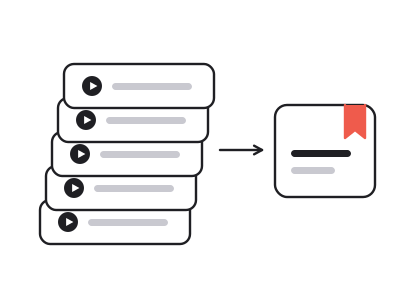
Run the backlog through the YouTube summarizer instead of watching it. The Gist tells you in ten seconds which videos deserve the full hour.
A 45-minute conference talk takes 45 minutes to watch and a couple of minutes to read. Paste the link into the YouTube summarizer and you get the key points, the chapter breakdown and the full transcript side by side, with every claim tied back to the second it came from.
Unlike a plain transcript tool, a YouTube summarizer gives the text structure: the argument first, then the moves that support it. And unlike pasting a transcript into a chat assistant, every bullet keeps its timestamp, so when something sounds off you can hear the original sentence instead of trusting a paraphrase.
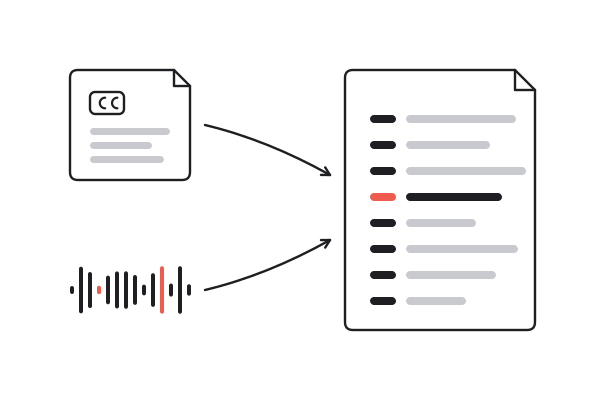
Most YouTube videos carry captions, written by the creator or generated by YouTube. Those are read directly, so the YouTube summarizer returns a captioned video in seconds and costs one credit to read, whatever its length. The summary is one more.
A video with no captions at all is transcribed from its audio instead. For YouTube that path needs a Pro plan or above and is priced per minute of audio. Free accounts take videos up to ten minutes and start with ten credits; anything someone has already summarized opens for free, with no account.
Three ways to find out what a video says. Only the YouTube summarizer takes less time than the video and still lets you check the source.
| Watching it | Reading the transcript | summarizer.video | |
|---|---|---|---|
| Time for a 45-minute talk | 45 minutes | 15–20 minutes | A few minutes |
| The argument, laid out | |||
| Checking a claim | Scrub the timeline | Search, then find the moment | One click on its timestamp |
| Search every word | |||
| Summary in another language | |||
| Download as TXT, MD, SRT, VTT | Copy and paste |
Reading is free — every video already on the site opens in full with no account. Summarizing a new one runs on credits, and a new account starts with ten. A captioned video costs one credit to read and one for the summary; one without captions needs speech-to-text, which for YouTube needs a Pro plan or above.
Yes, on a Pro plan or above. Most of YouTube has captions, and those videos work on every account. A video with none at all goes through speech-to-text — it takes a little longer and is billed per minute of audio.
Yes. The output language is independent of the spoken one, so a Spanish video can be summarized into English, or an English one into Japanese — eight languages in all.
Every point links back to a timestamp, so you can check it against what was actually said. We would rather you verify than take our word for it, which is why the transcript sits right next to the summary.
Yes. On a paid plan the length is unlimited, and the chapters make a three-hour podcast easy to move around in. Free accounts take videos up to ten minutes long.
Gist is a few sentences, enough to decide whether the video is worth your time. Brief is the argument with its main supporting points. Full notes is close to what a careful note-taker would write. All three are made together, so switching is instant.
Yes. Paste the Shorts link like any other. A Short is usually under a minute, so its summary is a few lines, with the transcript and timestamps underneath.
Copy it, download it as text or Markdown, or share the page link. A result from the YouTube summarizer opens for anyone you send it to, with no account needed.
Ten credits when you sign up — enough to try it on a few real videos. No card, no countdown.
Paste a YouTube link